
Examples
DaDesktop is used in two, very distinct scenarios:
- Training and Development Cloud Desktops
- Work Desktops
Training and Development Cloud Desktops
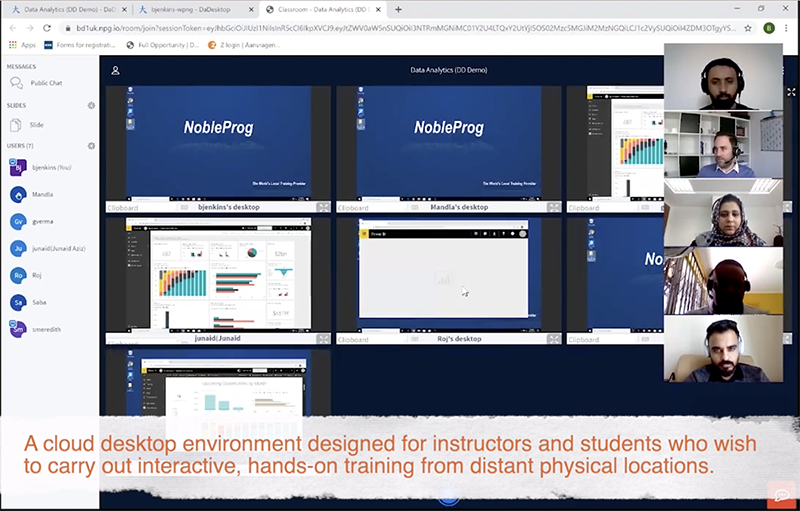
Training and Development desktops are optimized for speed and convenience. Access is easily granted to every person with the link to the desktop. This is normally used for interactive Instructor-led cloud desktop environment or virtual classroom to deliver high quality corporate training. Instructors or trainers can view the cloud desktop of their students and view their participation during an online class.
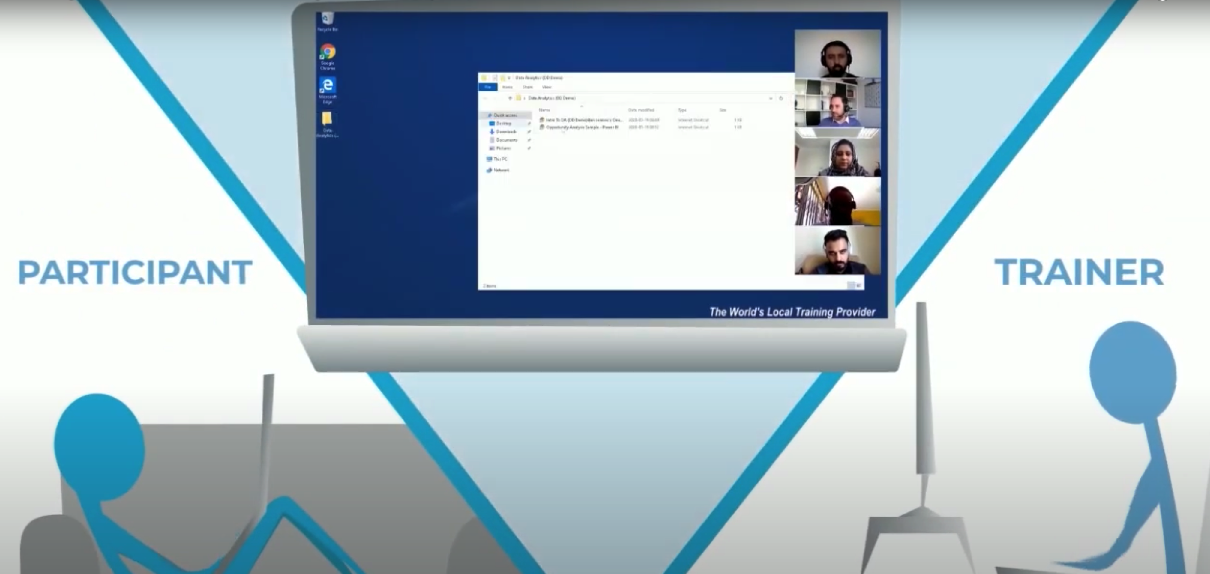
To effectively coach the students. Instructors has the ability to remote access the student's desktop.
Training sessions can be screen recorded with audio for reference purposes.
DaDesktop is more than learning management system!
Work Desktops
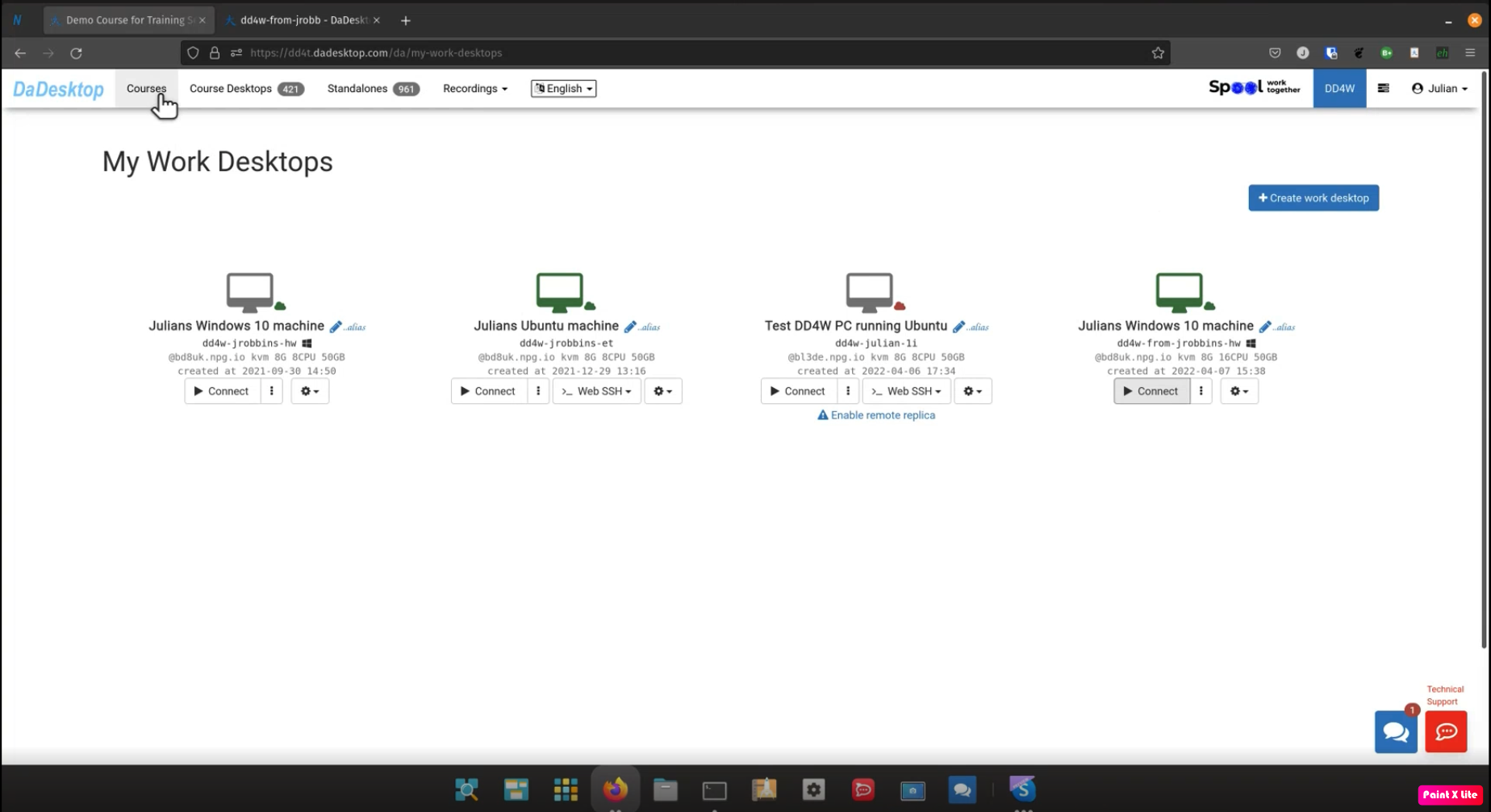
Work Desktops (DaDesktop for Work, or dd4w in short), can serve as employees' cloud desktops. The employer fully controls the data and software used by the employees, all data and communication is encrypted.
Securing Data
The employer can also restrict access to the data processed on the cloud desktop so employees cannot transfer the data out. Clipboard and access to certain sites can be restricted, so all the data will be securely processed on the virtual desktop itself.
Recording Actions
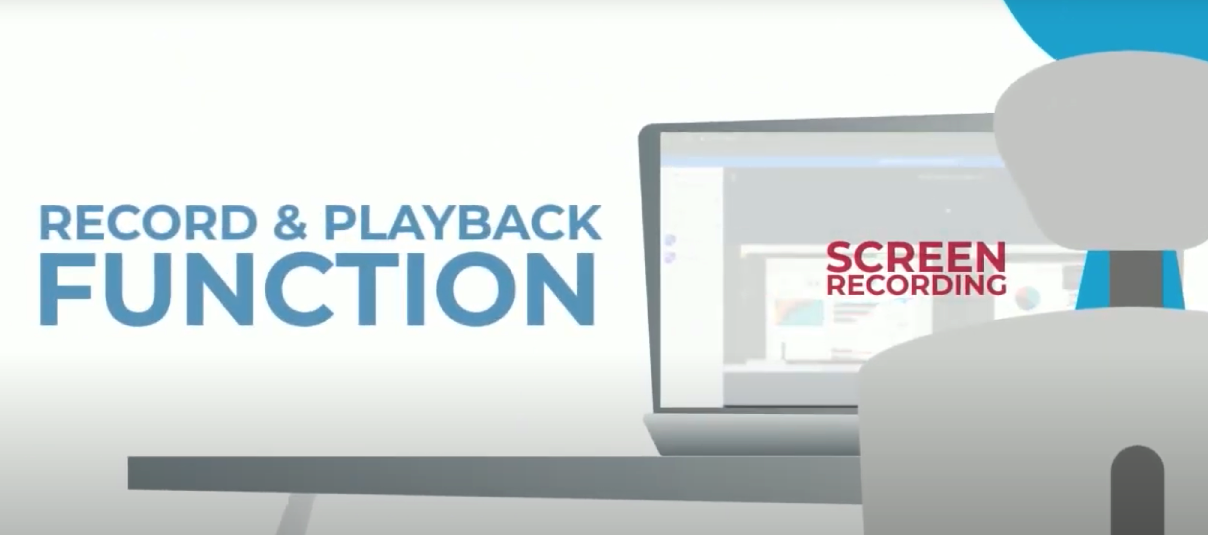
All actions of the user can be recorded in a very compact manner allowing millions of hours of the virtual desktop usage of each employee to be stored. Analysis of fraudulent behavior can be run over the recordings.
Secure Network
Access to corporate internal applications can be restricted only to DaDesktops, controlling access to confidential information and removing any threat of intercepting data in employees' personal computers.
DaDesktop is an absolute virtual office platform!