
Illustrative Examples
DaDesktop serves two markedly different use cases:
- Cloud Desktops for Training and Development
- Operational Work Desktops
Cloud-Based Training and Development Desktops
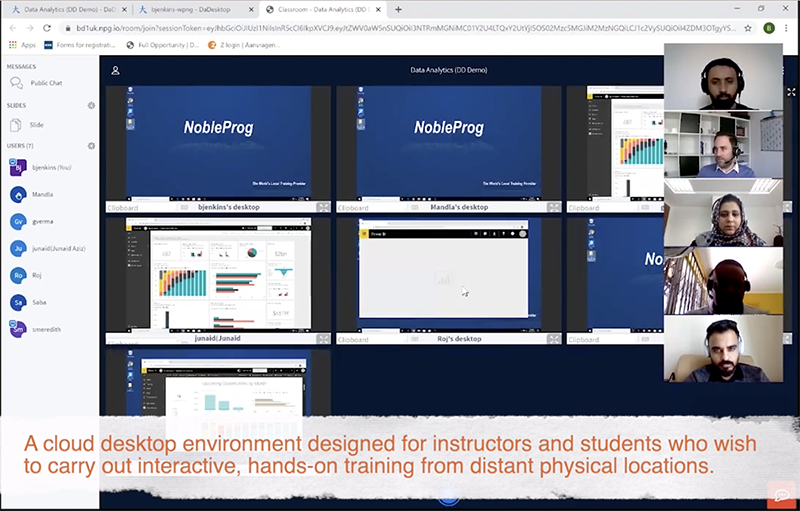
Training and Development desktops are built for speed and effortless access. Anyone with the desktop link can be granted immediate entry. This approach is typically used for interactive instructor-led cloud desktop environments or virtual classrooms, delivering top-tier corporate training. Trainers can monitor their students' cloud desktops and track engagement during online sessions.
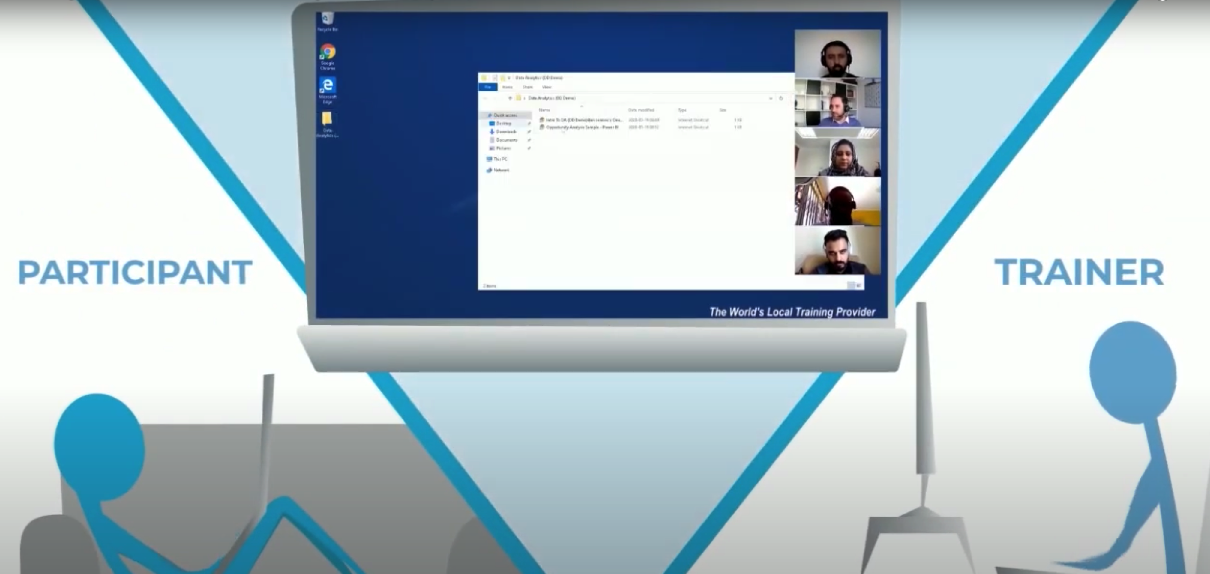
To coach effectively, instructors can remotely access each student's desktop.
Training sessions can be recorded with screen capture and audio for later reference.
DaDesktop goes far beyond a learning management system!
Business Work Desktops
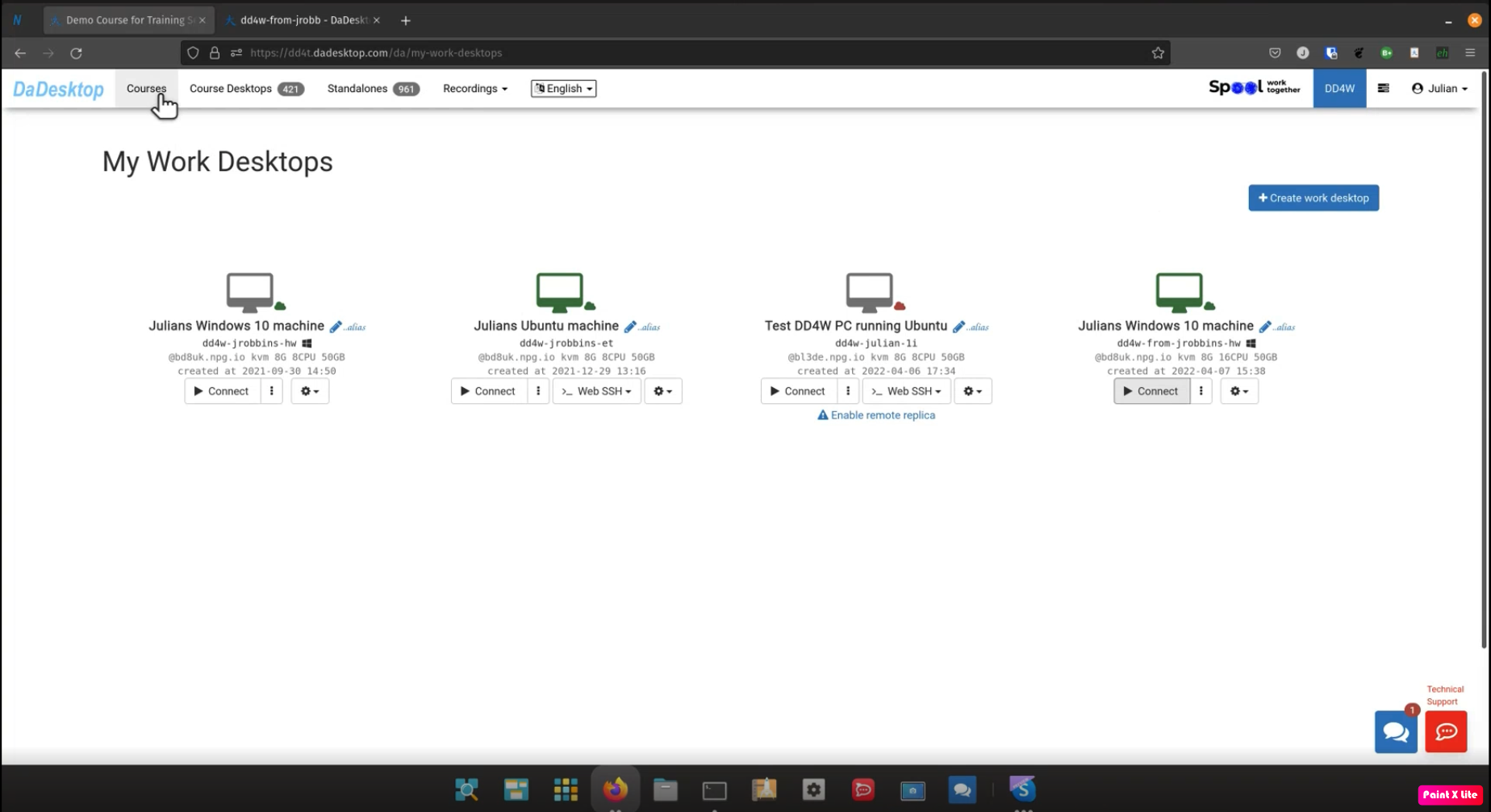
Work Desktops (DaDesktop for Work, or dd4w for short) act as employees' cloud desktops. The employer retains full control over the data and applications employees use, with all data and communications encrypted.
Data Security
Employers can additionally restrict access to data on the cloud desktop, preventing employees from exporting any information. Clipboard and certain website access can be limited, so all data is processed securely within the virtual desktop itself.
Action Recording
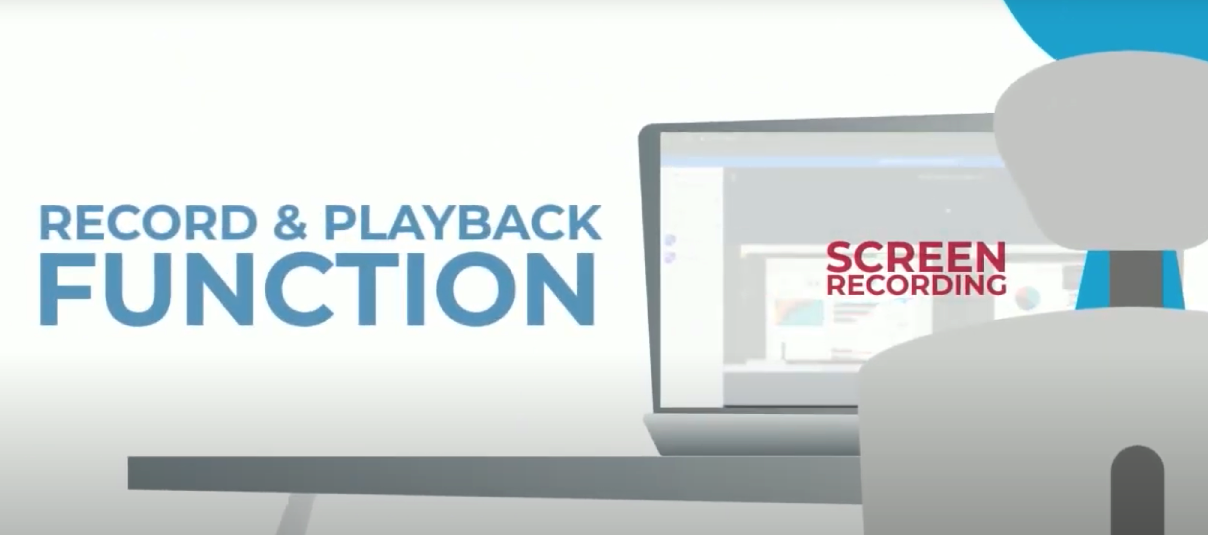
Every user action can be captured in a highly compact format, enabling millions of hours of virtual desktop activity per employee to be stored. Recordings can be then analyzed for fraudulent activity.
Network Security
Access to internal corporate systems can be restricted exclusively to DaDesktops, controlling exposure to confidential information and eliminating the risk of data interception on employees' personal computers.
DaDesktop is the ultimate virtual office platform!