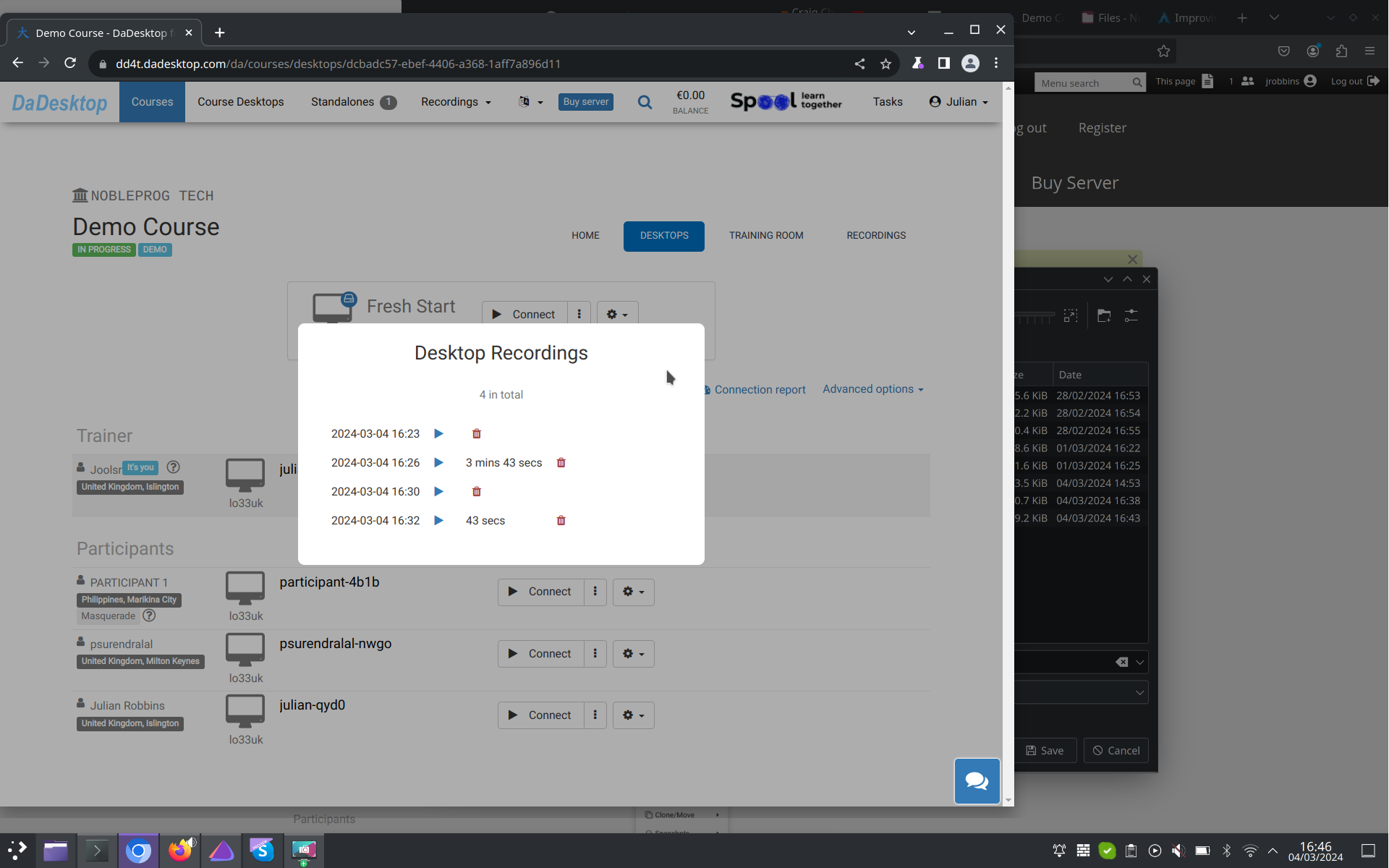
Automatic Session Recording
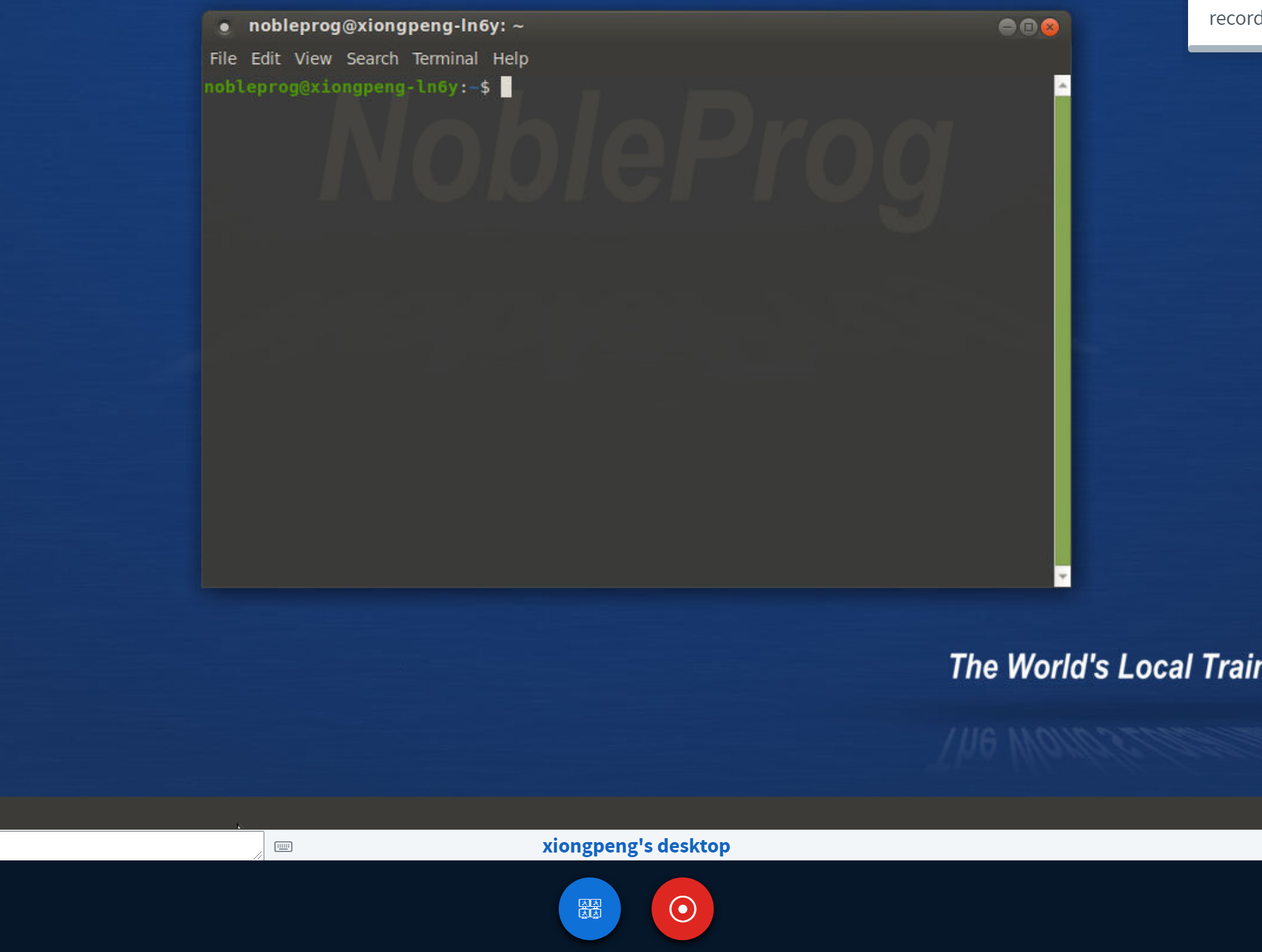
The trainer’s desktop starts capturing an automatic session recording the moment you step into the training room.
Hit the "red recording" button once more to end the recording.
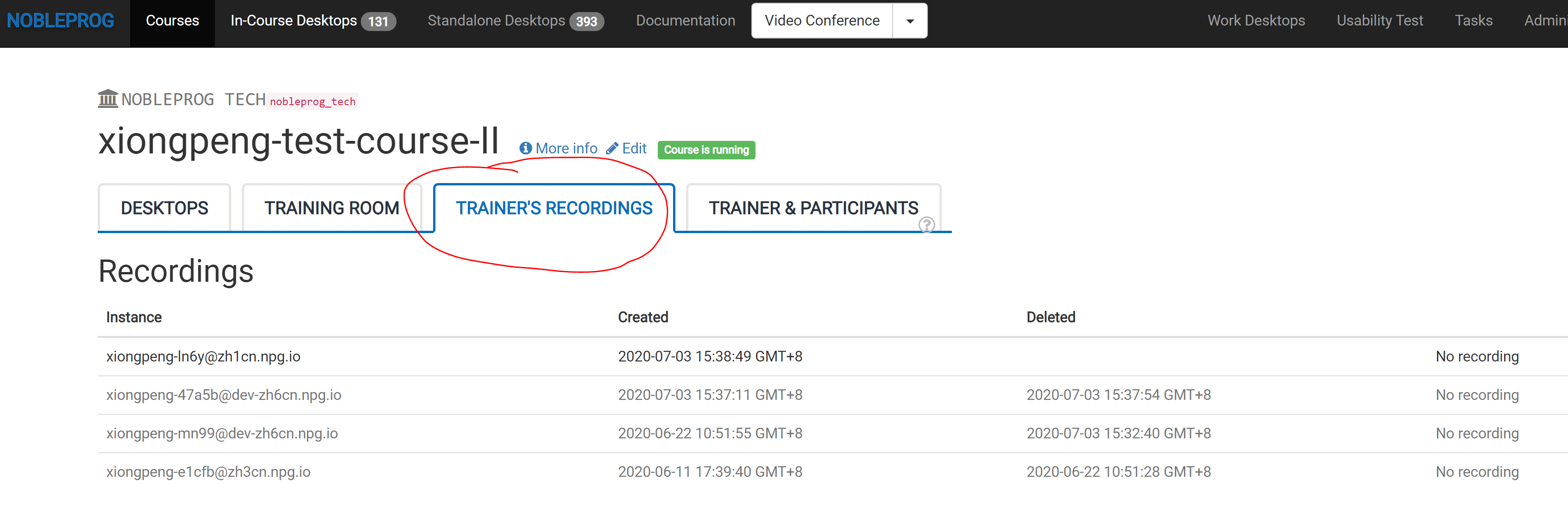
You can find your recordings listed under "Trainer's Recordings" within your course.
See the automatic session capture of the trainer’s desktop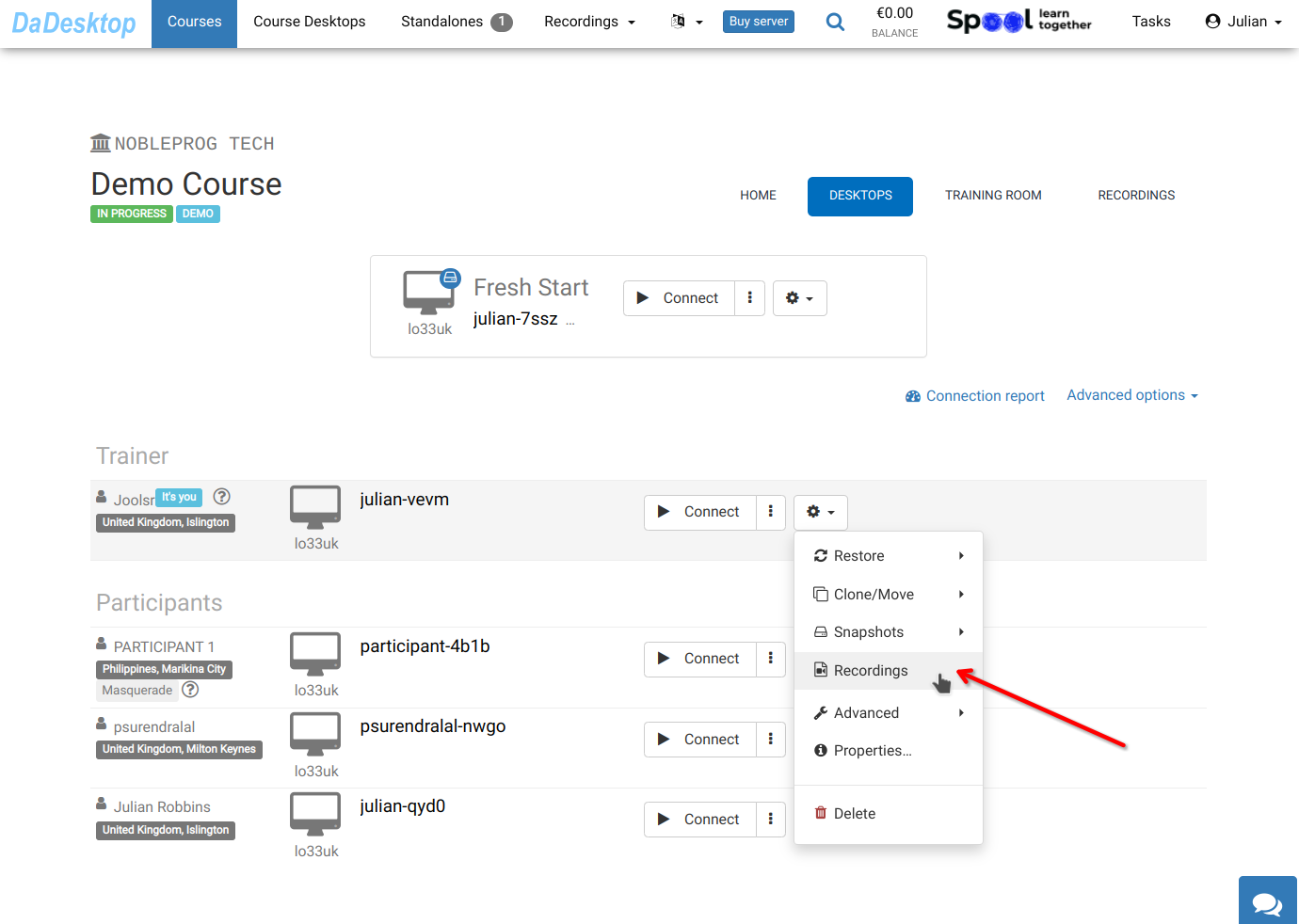
Your recordings are accessible in the "Recordings" section. You can review and delete them as needed.