Managing Recordings
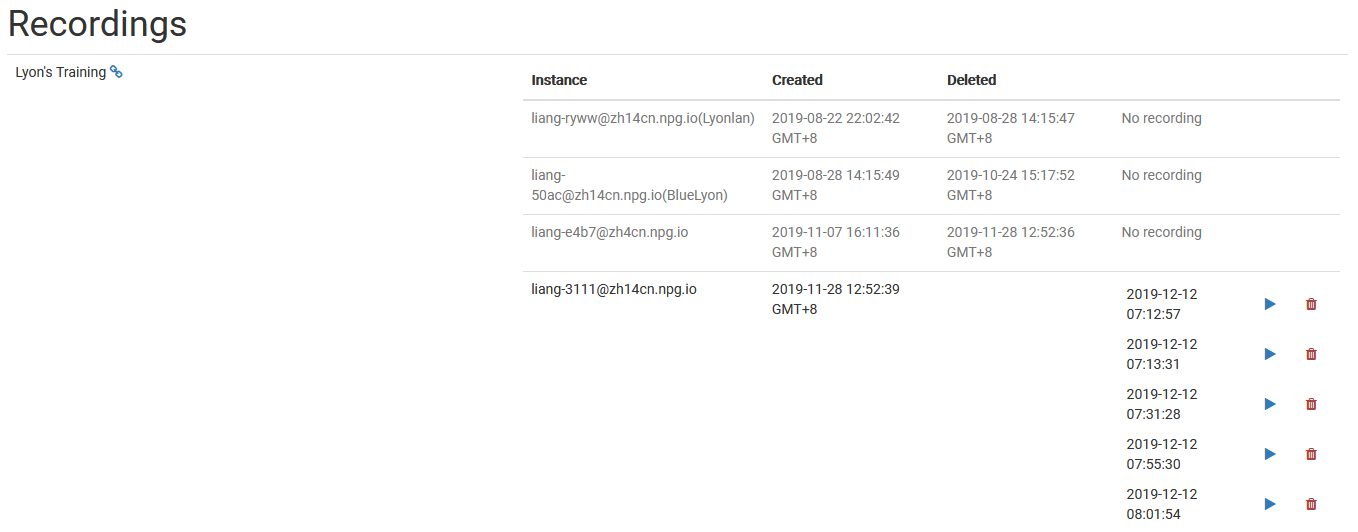
The Managing Recordings page lets Super Administrators inspect and control the recordings produced on DaDesktop. It offers a single location to check which recordings are available, so administrators can maintain an orderly database of recording data and eliminate items that are surplus to requirements.
Recording Management
On this management page, administrators can scroll through the list of recordings and examine their specifics. Doing so simplifies monitoring these recordings throughout the platform and carrying out maintenance as necessary.
Deleting Recordings
Should a recording become unnecessary, you can remove it via the management interface. Deleting old recordings contributes to a tidier system and minimizes storage bloat. Be selective and only remove recordings you truly no longer need, since deletion is permanent and meant for final tidying up.