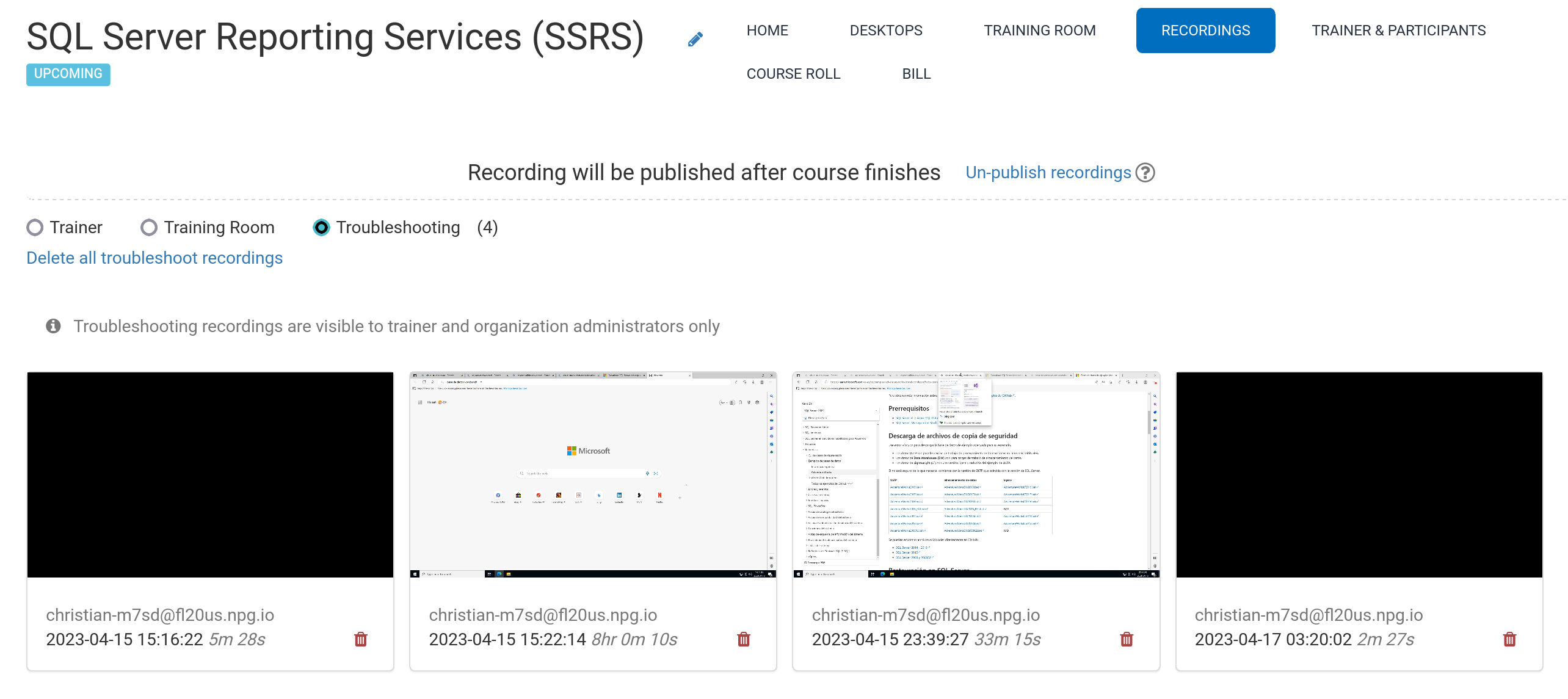
Automated Course Recording (Trainer's Desktop)
Recordings of the Trainer's Desktop or Training Room (when utilised in the course) are automatically captured throughout the session.
To halt the recording, simply press the red button once more.
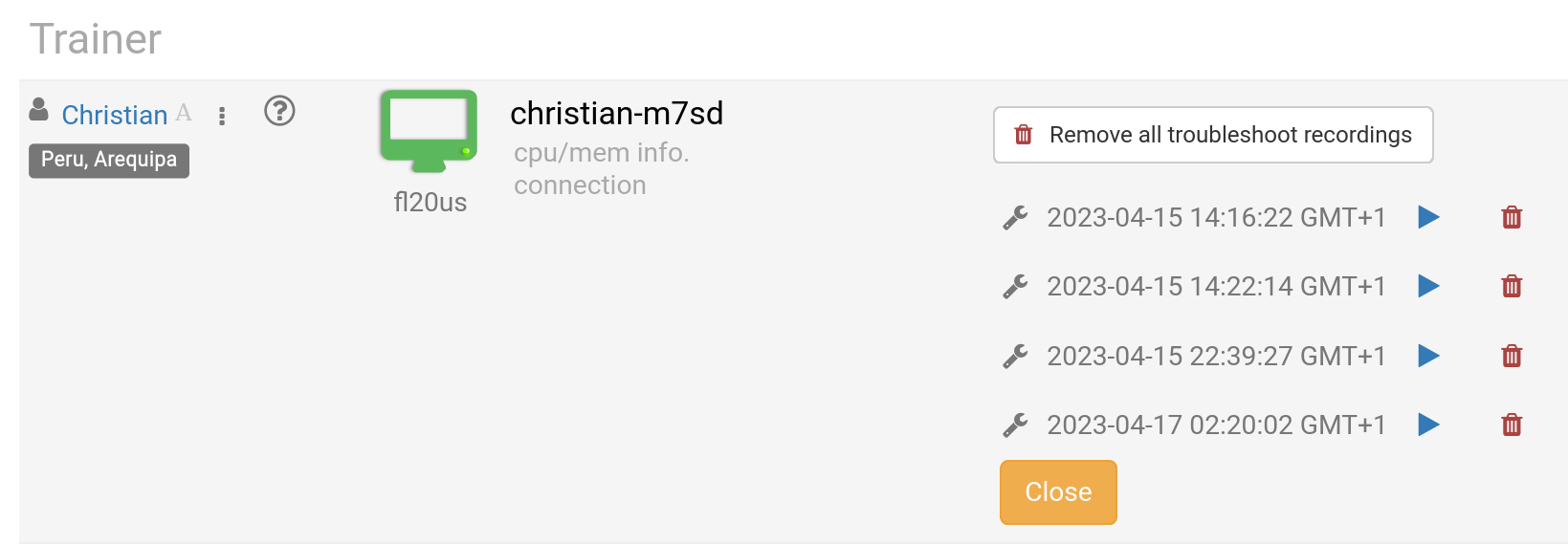
Trainers may delete recordings as needed. Additionally, troubleshooting recordings are generated automatically during course preparation, but they're exclusively for resolving setup issues, should the need arise.
Access your recordings via the Recordings section, where they are organised into three categories, specifically:
- Trainer
- Training Room
- Troubleshooting
Please note, only the Trainer and Training Room recordings are available for external publishing.