Verify Course Participants
-
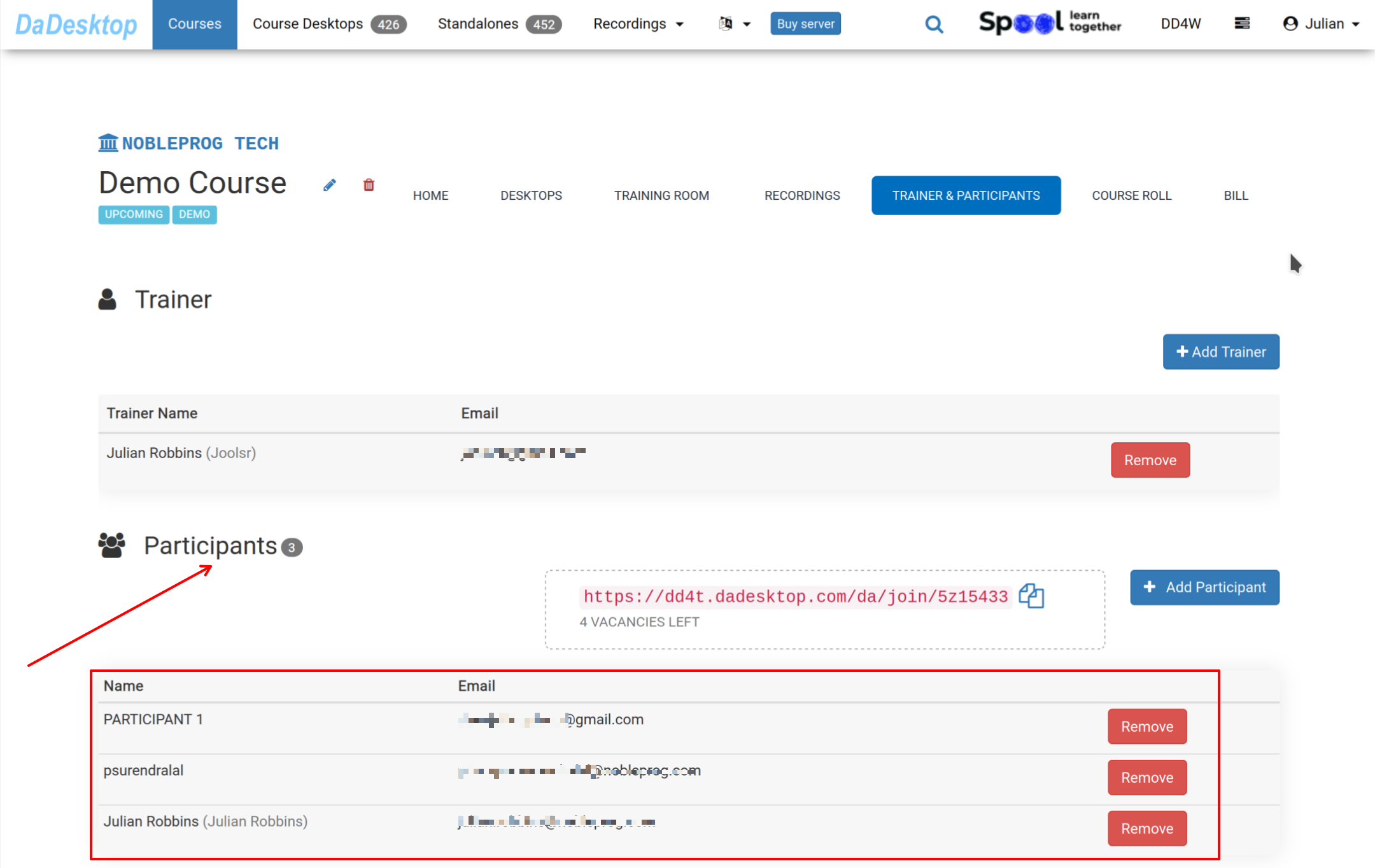
Navigate to the Course and select 'Trainer & Participants' to confirm that all attendees have already joined the course before training commences.
-
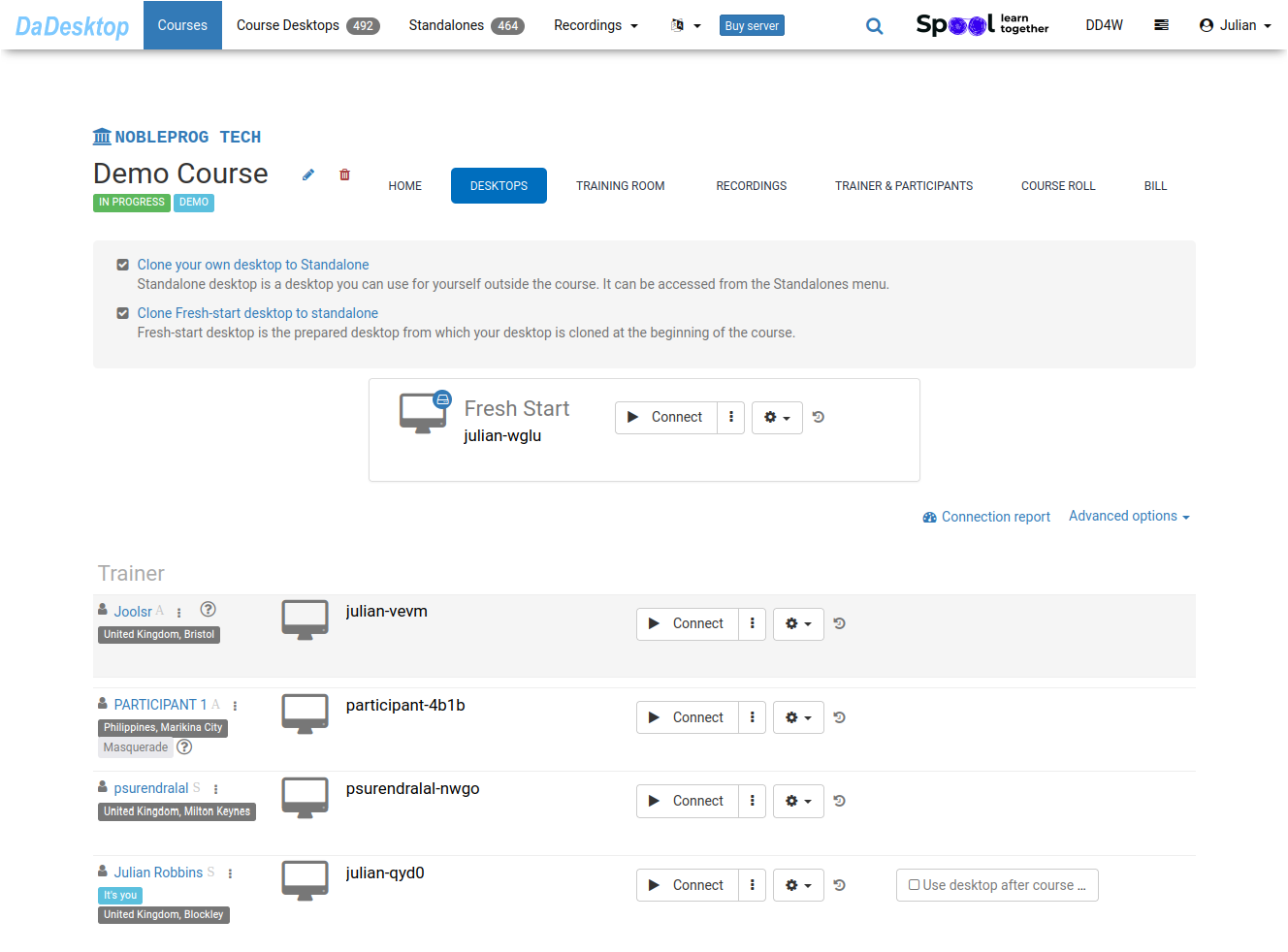
When delegates access the 'Training Room', desktops are automatically cloned from the 'Fresh-Start' instance to each participant
For clarity, some automated steps that occur during the cloning process have been omitted from this guide
-