Managing Servers
You have the ability to add or remove servers within your On-Premise or OEM DaDesktop cloud environment.
Synchronise all system information
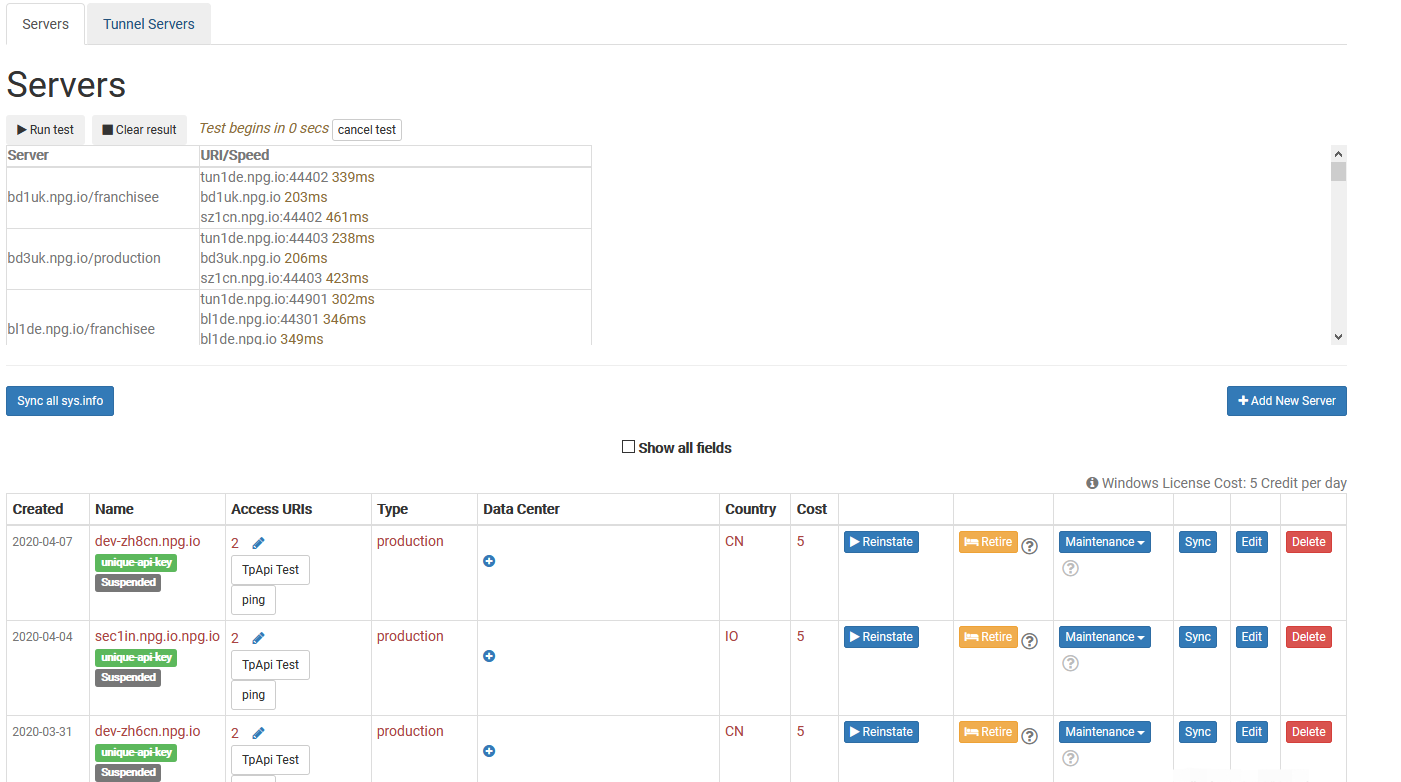
This function inspects the CPU, memory, and other specifications of each server and updates the corresponding data in the database. DaDesktop then leverages this information to suggest servers to users, prioritising those with greater available resources.
After a hardware upgrade, you can synchronise data for all servers or just a single one.
Be aware that if you have over 1000 servers, the process may require a few minutes.
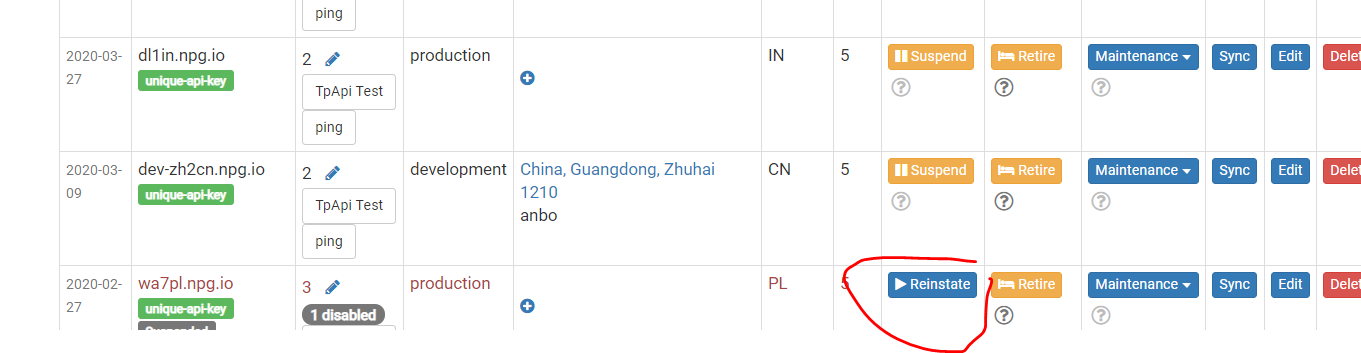
Modify state (suspend, reinstate)
When a server is unreachable, you can suspend it. This action prevents the DaDesktop graphical interface from querying the server and its desktops.
You might apply this if a server is unavailable because of a malfunction.
Retiring a server
To phase out a particular server, you can place it in retirement mode. No new desktops will be provisioned on that server, though existing desktops remain accessible and can be moved or duplicated to other servers.