
Recycle Bin
Once a course finishes, all associated machines – including Fresh Start, Trainer, and Participant machines – are automatically taken down within a brief timeframe.
To support recovery, a Recycle Bin feature has been introduced that enables you to retrieve these machines for a period after they are removed. The time machines can be restored depends on various factors such as server disk space, course usage, and is not fixed; however, we normally expect machines to be recoverable for at least a couple of months after course completion.
Each machine can be Restored back to its Course, if the Course is still present, otherwise it can be Restored to a Standalone Desktop, or if preferred Deleted completely.
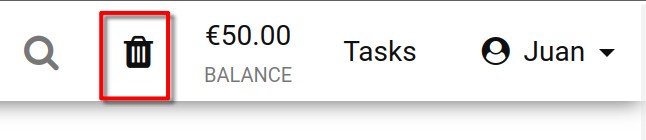
The status of your Recycle bin is reflected by its icon: a black icon means machines are available for restoration; a grey icon indicates the bin is empty.
You can also search your Recycle Bin machine list by machine name, server name, or course name.
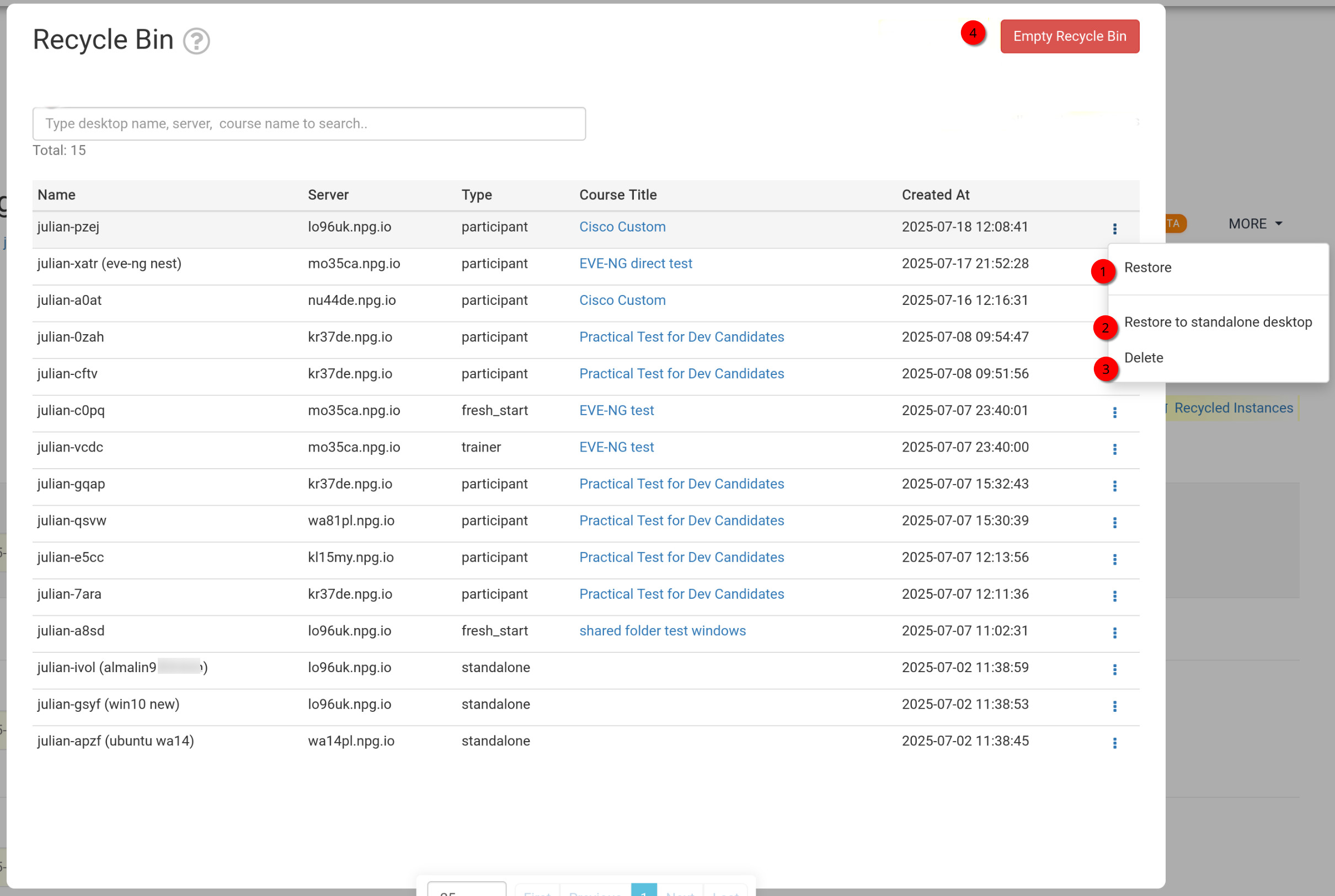
How to Restore or Delete Machines from the Recycle Bin
- Restore - Reattaches a machine deleted from a course back to that course. If the course has ended, the machine cannot be restored there; use the standalone restoration instead, as described below.
- Restore to Standalone Desktop - Typically used when the course is no longer active. A standalone machine offers more flexibility and can be kept for as long as needed.
- Delete - Permanently removes the machine from the Recycle Bin. Note that a deleted machine cannot be recovered.
- Empty Recycle Bin - Clicking the Red Empty Recycle Bin button will erase all machines from the bin, rendering them permanently unavailable.