
What Are the Fresh-Start, Trainer, Participant, and Standalone Machine Types?
DaDesktop serves as a sophisticated training platform, offering accessible cloud-based machines for educational courses along with administrative tools that simplify the management of desktop environments for every course.
To make this possible, DaDesktop employs several similar yet distinct types of desktop machines designed for these courses.
The following outlines the various machine types and their purposes.
Fresh-Start Machine
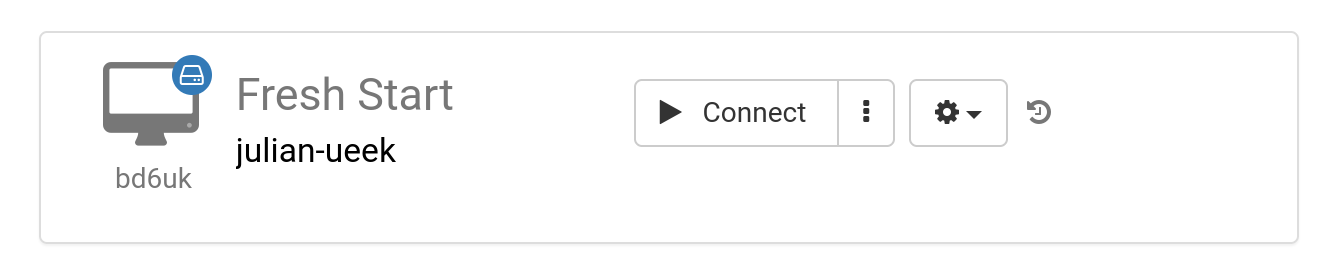
A 'Fresh-Start' machine is the environment a Trainer uses to build and design the course content. After the material is finalized, the Fresh-Start is replicated onto the desktops of all Participants, preparing them for their course. This machine functions much like a 'golden image' that can be restored if issues arise on the Trainer's or any Participant's machine.
Trainer Machine
The 'Trainer' machine is what the Trainer uses to deliver course material to Participants in real time. Unlike the Fresh-Start, this machine's state evolves as the Trainer installs, configures, and executes software applications and libraries relevant to the course topic throughout the training session.
If multiple Trainers are leading the same course, each will have their own Trainer machine.

Participant Machine
Each course participant uses a 'Participant' machine to carry out installations, configurations, and practical exercises under the Trainer's supervision.

Typically, Fresh-Start, Trainer, and Participant machines are automatically deleted shortly after a course concludes. So, another machine type is available that is not linked to a course and can be kept for as long as required—the 'Standalone'.
Standalone Machine
A 'Standalone' machine is not tied to any particular course. It functions independently and can be utilized before a course starts, after it ends, or simply on its own, independent of any course. This makes Standalone machines exceptionally versatile.

Common reasons for creating Standalone desktops include:
- Developing reusable training materials that can be employed repeatedly outside of a specific course, or stored for future use when needed.
- When you need a flexible environment—perhaps with a different operating system such as Linux or Windows—to safely test ideas.