Recording the Training Room from the Trainer's Desktop
Trainers can record the full Training Room session, including every participant's desktop. This function is handy for revisiting course content or documenting student issues that arise during class, assisting with troubleshooting for personal trainer notes or support from the development team.
Training Room View:
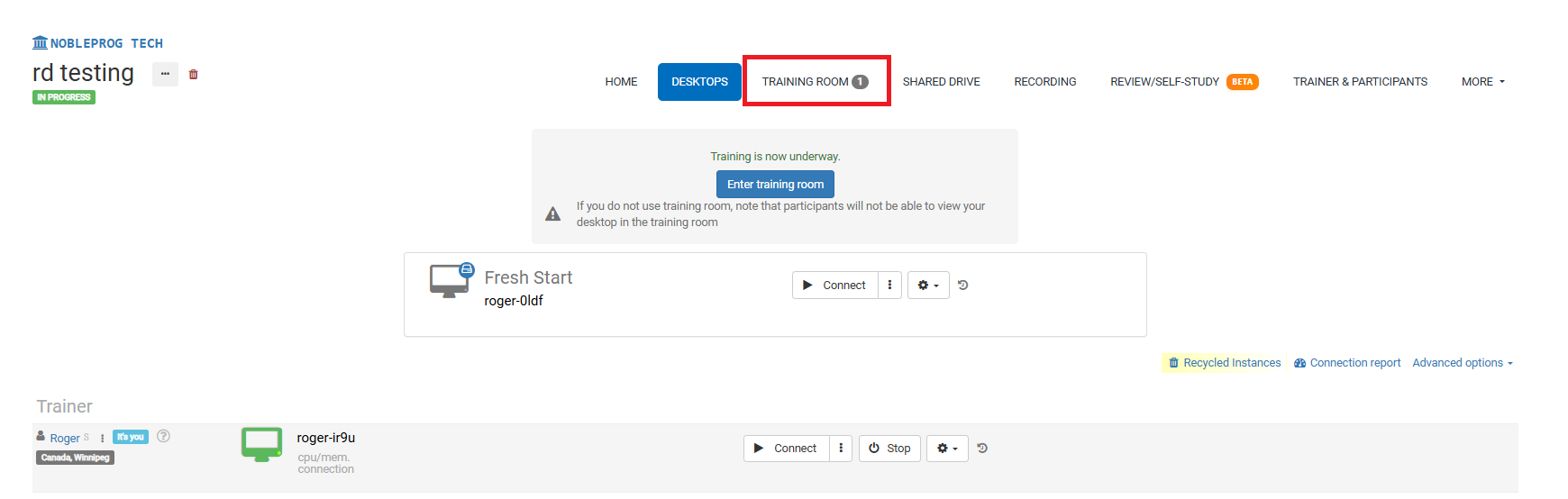
The Recording Button
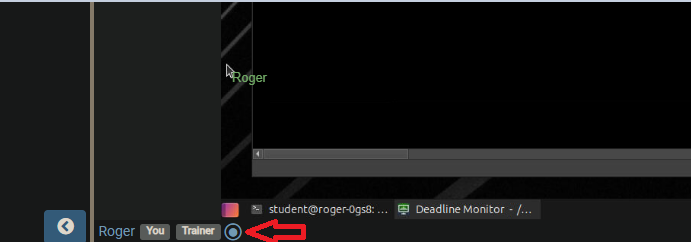
Inside the Training Room, the recording button is located at the bottom, next to your name and associated user tags, as depicted in the screenshot below.
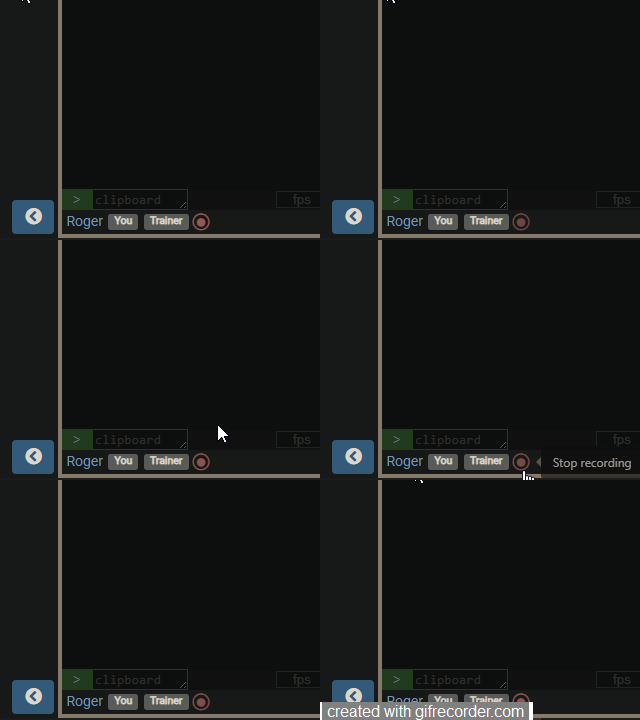
Upon activation, recording commences and the button begins to pulse red slowly. To halt recording, simply press the button once more.
Retrieving Your Recordings
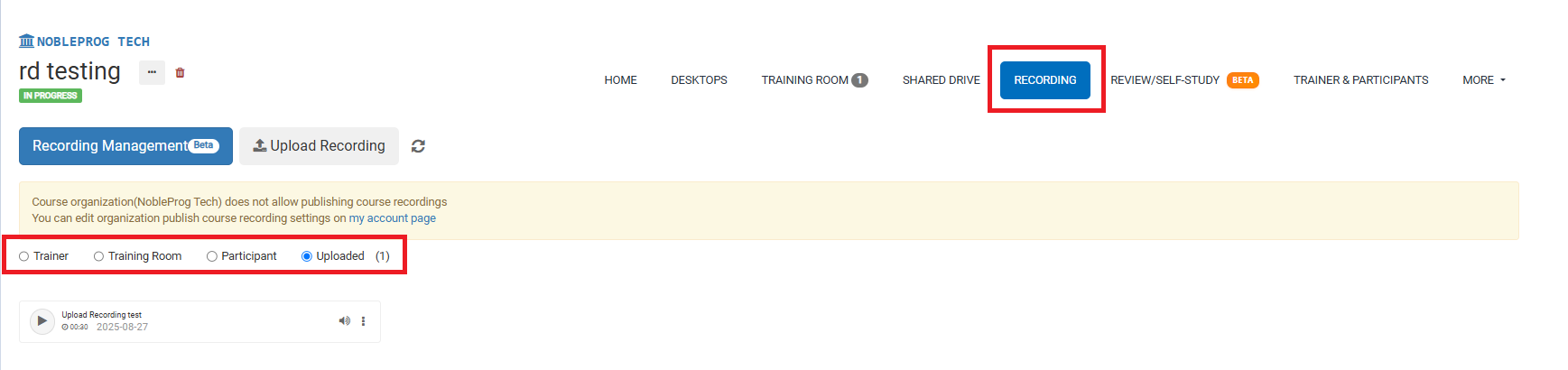
On the course page, all your recordings are accessible via the `Recordings` tab. After selecting it, you can pick the type of recording you wish to review.